How to Build a Custom Recipe in a Wellness Tracking App: A Friendly Walkthrough
Introduction
Many people now rely on mobile wellness tools to stay mindful of daily meals and long-term goals. One of the most loved features is the option to design personal dishes, letting users log homemade food quickly and keep nutrition targets in sight. This guide walks you through the simple process of adding your own recipe to a popular wellness tracker, along with the everyday perks you can expect.
Understanding the Points-Based Nutrition Model
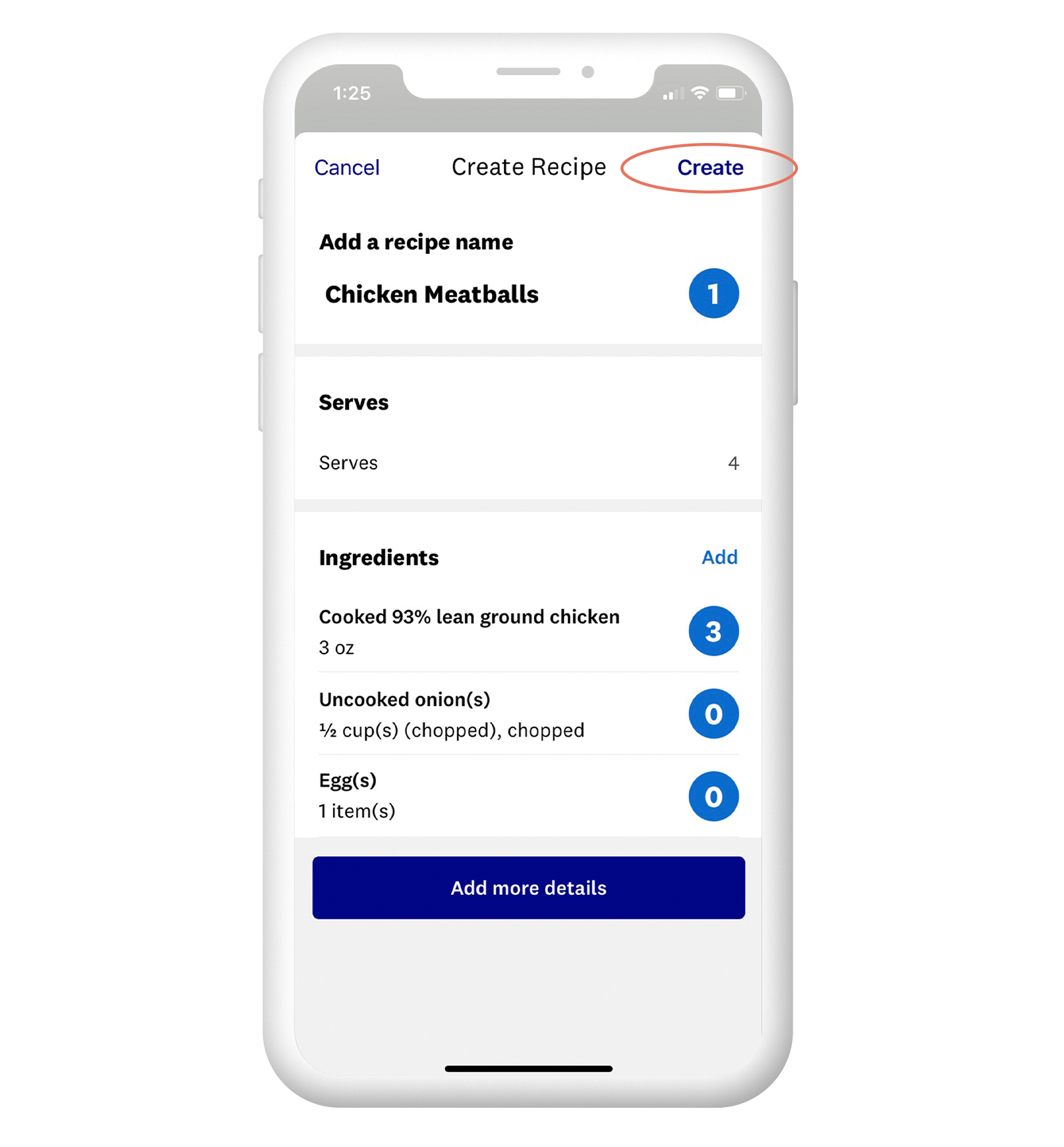
Before you start, it helps to know that the app assigns a simple score to each ingredient. The score balances calories, protein, fiber, and carbohydrates so you can see at a glance how any food fits your daily plan. Think of it as a quick shorthand for “more filling, fewer empty calories.”
Step-by-Step Guide to Building a Recipe in the App
Step 1: Launch the App
Open the wellness tracker on your phone or tablet. If it isn’t installed yet, grab it from your usual app marketplace.
Step 2: Head to the Recipe Area
From the home screen, tap the Recipes icon—usually front and center or tucked inside the main menu.
Step 3: Begin a New Creation
Look for the “Create New Recipe” button and give it a tap to open a blank template.
Step 4: Fill in the Basics
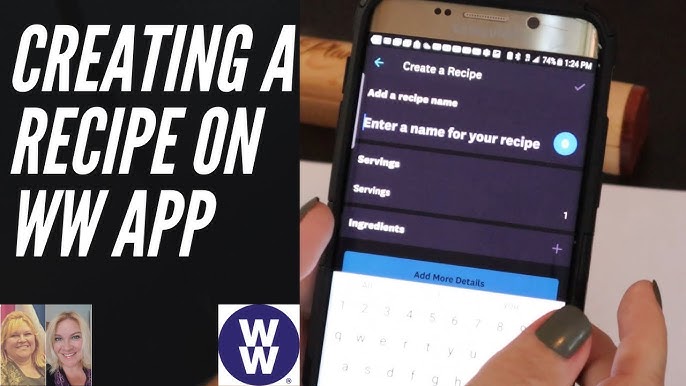
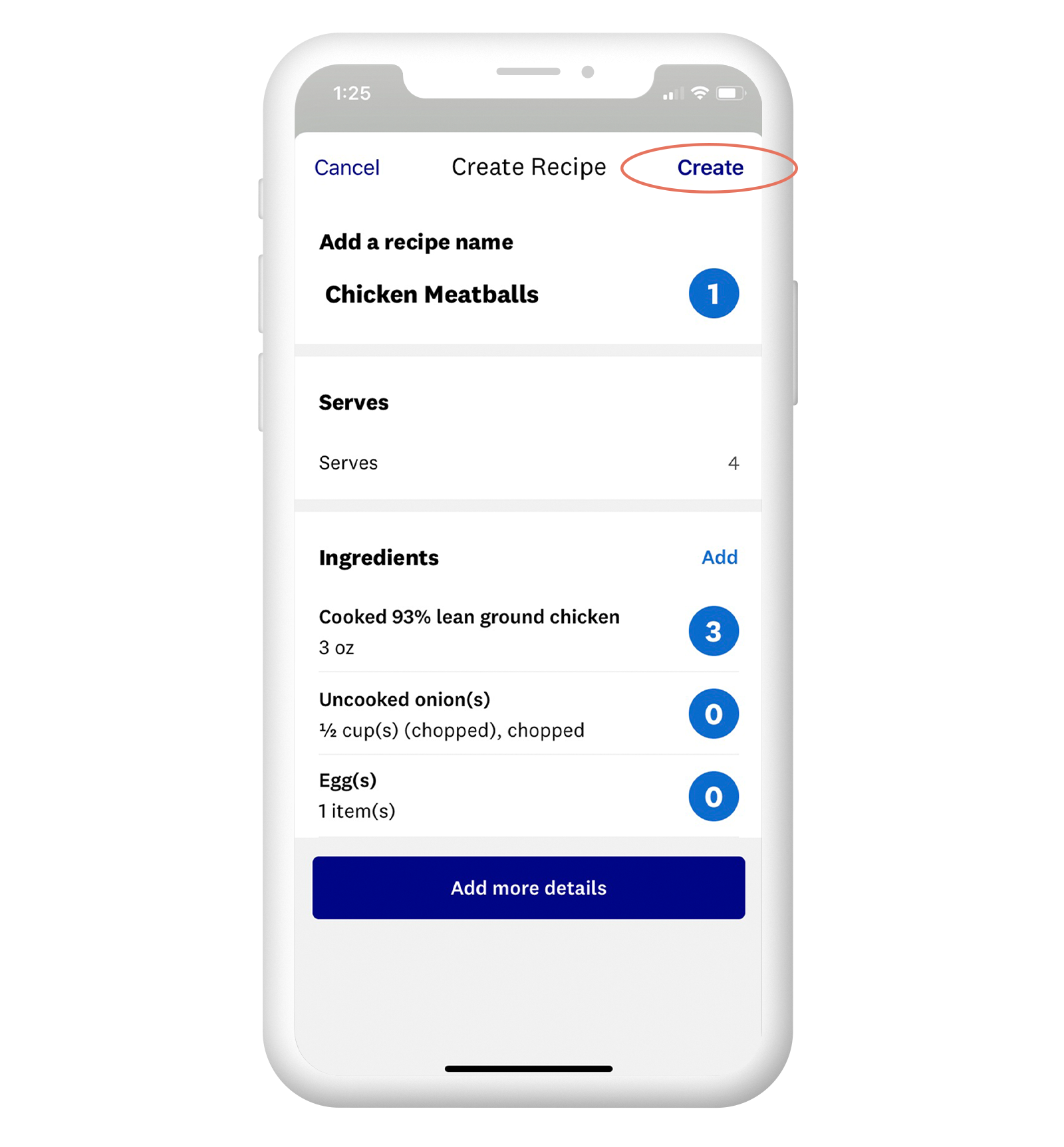
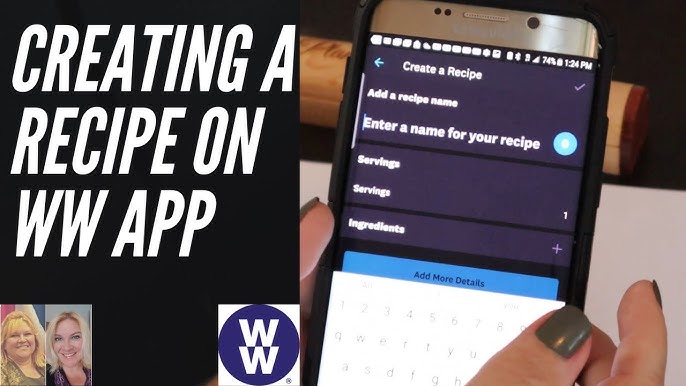
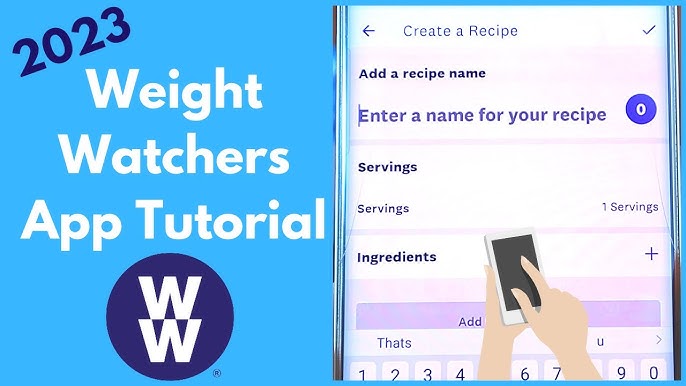
Type a name, note how many plates it serves, and add optional tags like “vegetarian” or “week-night quick” so future you can find it fast.
Step 5: Load Up Ingredients
Hit “Add Ingredient,” search the built-in list, and adjust quantities. The app already knows portion sizes, so there’s no guesswork.
Step 6: Write the Method
Either type or dictate each step of the cooking process. Short, clear sentences work best for later reference.
Step 7: Let the App Crunch the Numbers
Once everything is in, the tracker instantly totals the dish’s score per serving. You’ll see right away if it lines up with your daily allowance.
Step 8: Save and Optionally Share
Store the recipe in your personal collection or post it for community inspiration. Either way, it’s ready to log with one tap next time you cook.
Benefits of DIY Recipes in the Tracker
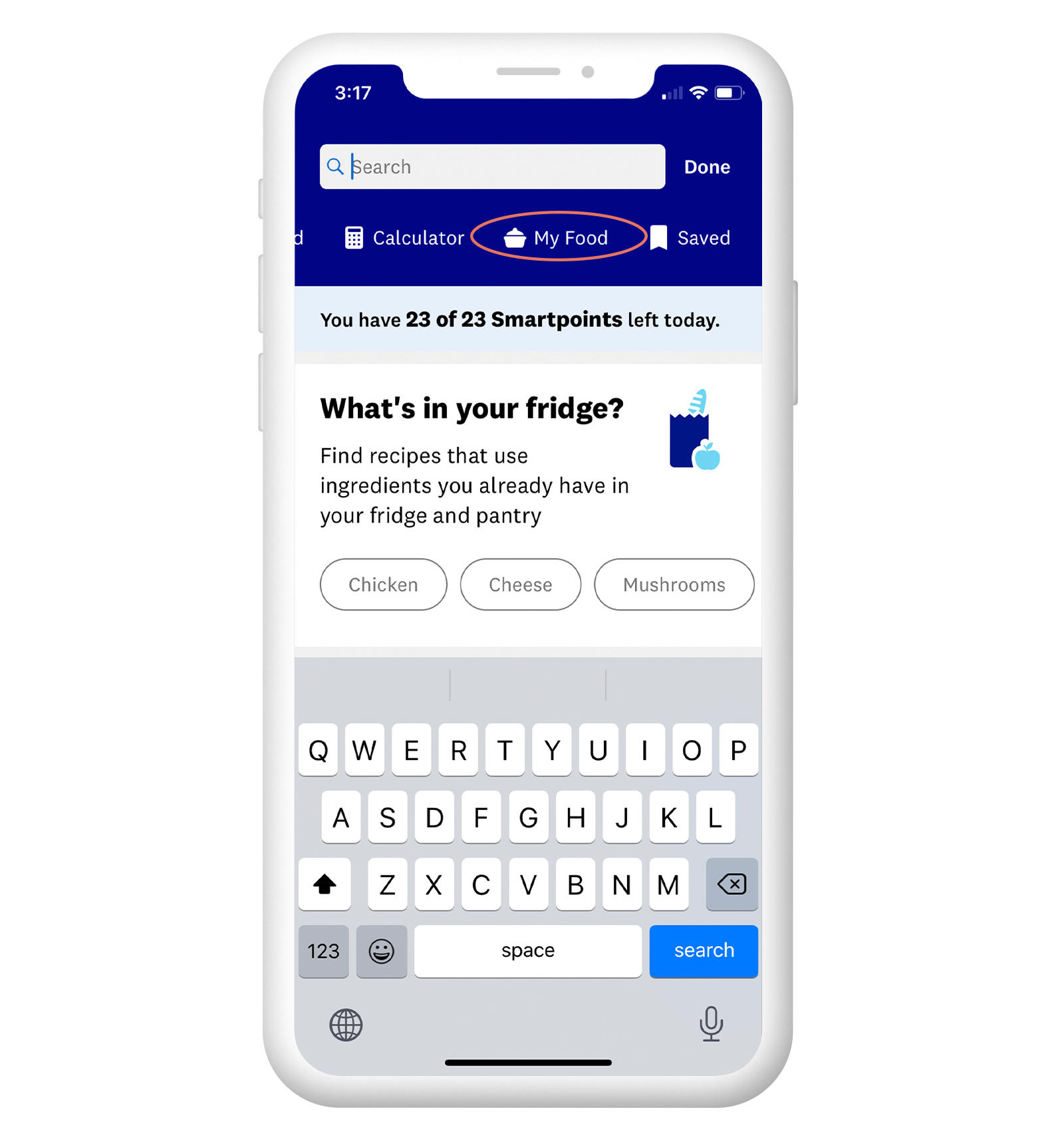
Creating your own meals inside the app brings several everyday wins:
1. Total Flexibility
You decide what goes in and how much, so allergies, preferences, and pantry odds-and-ends are easy to accommodate.
2. Instant Budget Check
Seeing the live score keeps portion creep in check and prevents end-of-day surprises.

3. Smarter Choices
Building dishes step-by-step nudges you toward balanced plates—more veggies, lean proteins, and whole grains naturally rise to the top.
Conclusion
Adding homemade recipes to your wellness tracker is a small habit that pays big dividends: clearer insight, steadier progress, and meals that still feel like your own. Give it a try tonight; your future self will thank you at the tap of a button.
Future Research Directions
Upcoming studies could look at how custom-recipe logging affects real-world eating patterns over months, explore whether personalized dishes improve long-term adherence, or test new interface tweaks that make healthy cooking even more intuitive.